|
|
|
|
|
|
Access Your Music
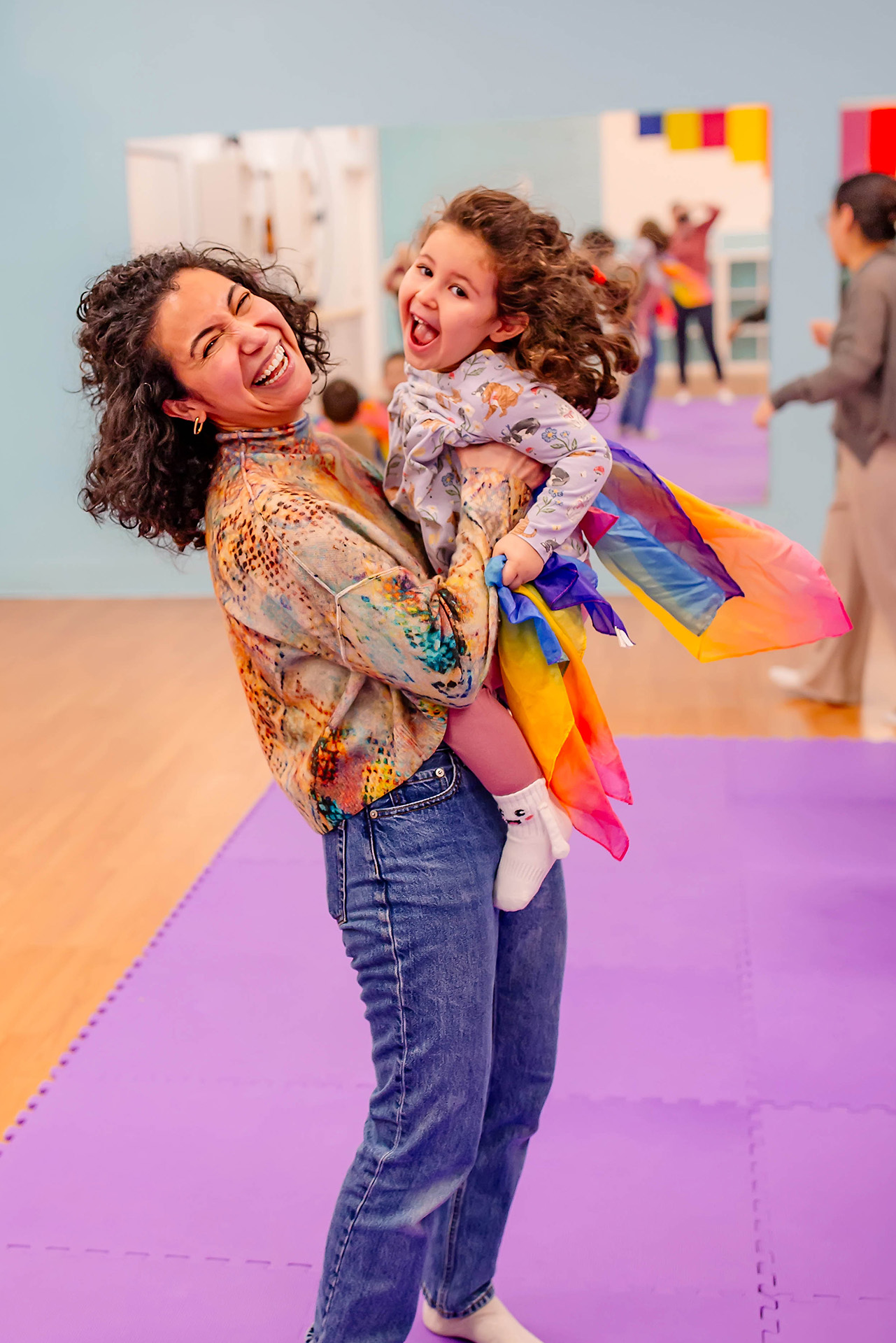 We want to make it easy for you to access your music wherever you are and whenever you want!
When you are enrolled in a Music Together® class, you will receive your music as a digital access code that can be entered into the free Music Together® App or directly on your Family Music Zone® account on Music Together's Worldwide website. Your Access Code can be found inside the cover of your songbook.
Music Together® APP
Check out thefree Music Together App for iPhone/iPad or Android. It's an easy way for you to access your Muic Together songs, whether you are at home or on the go! Watch the video above for instructions on using the app to get your music using your Access Code. Log in with your Family Music Zone® account (or create a new one on the app) to get your songs into the app. Then, have fun singing and dancing along from wherever you are.
Here are some of the features for you to explore:
- Stream or download all of your Music Together songs
- Show or hide on-screen lyrics
- Access a digital version of song collection SONGBOOK
- Flip through the award-winning Singalong Storybook Hello, Everybody!
Download the Music Together App from the App Store or on Google Play today!
Music Together® Family Music Zone®
As a member of the global Music Together family, you have access to the Family Music Zone® on the Music Together Worldwide website. Here, you'll be able to download your music, view a digital copy of your songbook, get new activities to try at home, and learn more about your child's music development.
To log in, you'll create an account using the digital access code on your song collection songbook. This will be a separate account from the one you use on our website. Contact us if you need help!
ADD SONGS TO OTHER DEVICES
Want to add your Music Together® songs to your favorite music apps, smart speakers, or your child’s music player (e.g., Tonies®)?
Visit the Family Music Zone® to download mp3s to sync up with your favorite music apps (e.g., Spotify®), smart speakers (e.g., Alexa), or your child’s music player (e.g., Tonies®). You just need the Music Access Code on the inside cover of your songbook.
Visit www.musictogether.com/account or check out this handy PDF. Need help getting started? Follow the manufacturer’s instructions on adding mp3s to the particular device. Here are some helpful links:
Copyright © 2026 Powell Music LLC. All rights reserved.
Music Together art & logo design © 2016-2025 Music Together LLC.
Music Together is a registered trademark.
Powell Music LLC is licensed by Music Together LLC.
For more locations: www.musictogether.com